Roles and Permissions: Control Access and Define Responsibilities
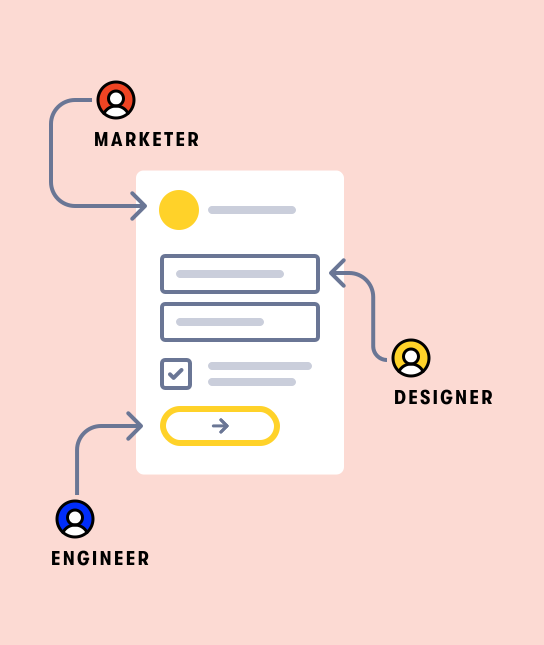
Assign specific roles to team members and control who has access to different actions in the form builder. Ensure the integrity of your forms while keeping workflows organized by clearly defining responsibilities for each role.
Assign roles for granular control
Formsort offers a range of roles that come with a specific set of permissions, allowing you to control access to different actions, such as deploying forms, updating themes, or managing domains. This role-based structure ensures that everyone in your organization has the right level of access based on their responsibilities.
| Owner | Admin | Deployer | Designer | Engineer | Editor | Viewer | |
|---|---|---|---|---|---|---|---|
|
Create new variant revision
|
✅ | ✅ | ✅ | ✅ | ✅ | ✅ | |
|
Update environment
|
✅ | ✅ | ✅ | ||||
| Update domain | ✅ | ✅ | ✅ | ||||
|
Update credential
|
✅ | ✅ | ✅ | ||||
|
Update theme
|
✅ | ✅ | ✅ | ||||
|
Switch theme
|
✅ | ✅ | ✅ | ||||
|
Deploy to production
|
✅ | ✅ | ✅ | ||||
|
Update traffic pattern
|
✅ | ✅ | ✅ | ||||
|
Delete flow
|
✅ | ✅ | |||||
|
Delete variant
|
✅ | ✅ | |||||
|
View accounts
|
✅ | ✅ | |||||
|
Billing access
|
✅ | ✅ | |||||
| Access returning responder data | ✅ | ✅ | |||||
|
Suspend account
|
✅ |
Audit and accountability
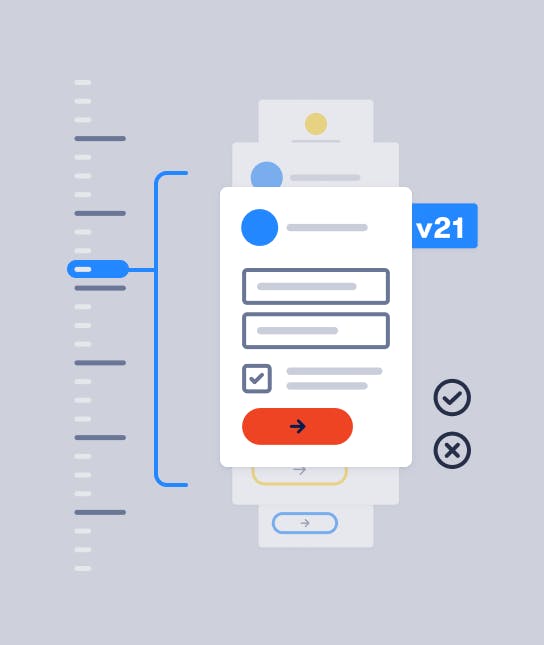
Ensure accountability by monitoring which team members performed specific actions within the form builder. This level of transparency helps identify who deployed flows or made updates, enhancing security and operational control across the platform.
Efficient team collaboration
Roles and permissions make it easy to delegate tasks without overburdening individuals with unnecessary access. By assigning specialized roles like Designer or Engineer, teams can work on different aspects of the form, like design, content, and logic without interfering with each other's responsibilities.